Stanwix School
Access our Apps
School Apps and Communication
To help keep parents and carers informed, and to make everyday school processes as simple and convenient as possible, we use a number of online platforms for communication, payments and meal ordering.
When your child joins Stanwix, parents and carers receive email invitations with instructions on how to access each of the apps listed below. This page provides an overview of the platforms we use and what each one is used for.
Need Help?
If you have not received an invitation email, are unable to access any of the apps, cannot reset your password and need your account resetting, please contact the school office and we will be happy to resend invitations and help you get set up so that you continue to receive important school communications.
Parents App
Our main communication platform
The Parents App is the primary way we communicate with families. Through the app, you can:
- Receive important school notices and announcements
- Report pupil absences
- Complete electronic forms and permissions
- Access letters and key information
- View upcoming events and reminders
- Receive notifications directly to your phone
We recommend enabling notifications so that you do not miss important updates from the school.
ClassDojo
Classroom communication and updates
ClassDojo helps families stay connected to their child's learning and classroom experiences. Through ClassDojo, you can:
- Receive messages from your child's teacher
- View class news and updates
- See photographs and highlights of learning activities
- Keep up to date with class events and reminders
SchoolMoney

SchoolMoney provides a secure and convenient way for parents to manage school payments. You can use it to:
- Pay for wraparound care
- Book and pay for clubs and activities
- Make payments for trips and events
- View payment history and account balances
Swift Kitchen
School meals
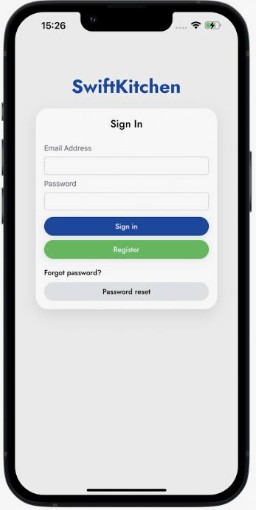
Swift Kitchen is our online meal ordering system. Through the platform, you can:
- Order meals for your child
- View menus and meal choices
- Manage dietary requirements where applicable
- Check meal bookings and selections
To log in for the first time, you will need a Swift Kitchen key which is available from the school office.
Weekly Newsletter
In addition to our apps, we send a weekly school newsletter to families. The newsletter is an important source of information and contains:
- School news and updates
- Attendance and absence information
- Information about upcoming events and activities
- Key reminders for parents
- Dates for the diary and important deadlines
- Celebrations and achievements from around the school
We encourage all parents to read the newsletter each week so they remain fully informed about school life. Newsletters can be accessed via this website, or via a parentsapp notification.